
How to Install MOD APK on Android – Complete Step-by-Step Guide 2026
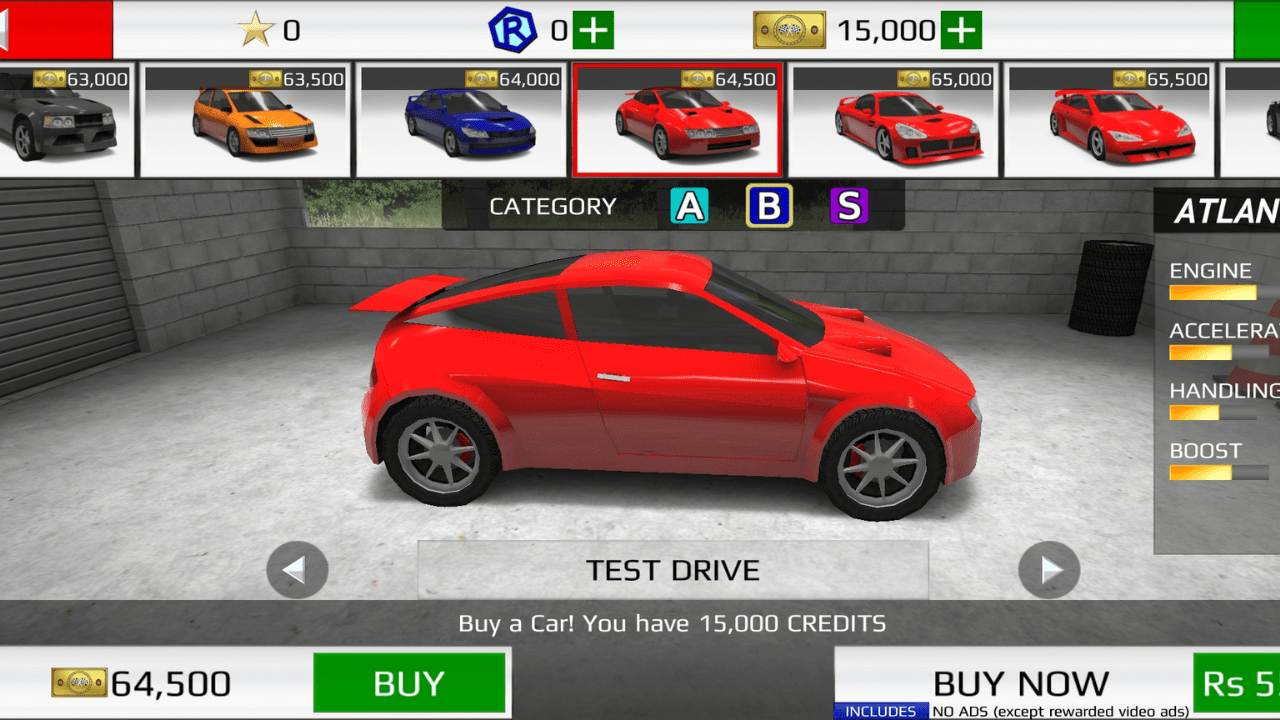
Installing a MOD APK on Android is one of the most searched topics among mobile gamers worldwide. According to Statista, over 3.9 billion people use Android devices globally, and millions of them download MOD APK files every month to access premium features, unlimited in-game currency, and unlocked content for free. Whether you want to install Rally Fury MOD APK, Hill Climb Racing MOD, or any other modded game, the process is the same on all Android devices. In this complete guide, you will learn exactly how to install MOD APK on Android 14, Android 15, and all older versions — without root, without errors, and 100% safely in under 5 minutes.
What is a MOD APK?
A MOD APK is a modified version of an original Android application or game. Developers or third-party modders modify the original APK file to unlock premium features, add unlimited money, remove ads, or enable other benefits that are normally paid for or locked in the official version.
Common MOD APK features include:
- Unlimited money and coins
- All levels and characters unlocked
- No ads
- God mode and unlimited health
- Premium features for free
- Speed hacks and mod menus
MOD APKs are not available on the Google Play Store because they violate app store policies. This is why you need to install them manually using the steps in this guide.
Is it Safe to Install MOD APK on Android?
This is the most common question beginners ask before installing their first MOD APK. The honest answer is that it depends on where you download it from.
MOD APKs are safe when:
- Downloaded from trusted and reputable MOD APK websites
- The file has been scanned and verified by the site
- The site has positive user reviews and an active community
MOD APKs can be risky when:
- Downloaded from random, unknown websites
- The file size is unusually small or large
- The app asks for unnecessary permissions like contacts or messages
Always download MOD APK files from verified sources to protect your device from malware and viruses. Sites like GetFuryMod only publish verified and tested MOD APK files.
What You Need Before Installing MOD APK?
Before you start the installation process, make sure you have the following ready:
| Requirement | Details |
| Android device | Any Android version 5.0 or higher |
| Storage space | At least 200MB of free space |
| MOD APK file | Downloaded from a trusted source |
| File manager app | Built-in or third-party, like ES File Explorer |
| Internet connection | For downloading the APK file |
If you are installing a game MOD APK, make sure to uninstall the original version of the game first to avoid conflicts.
How to Enable Unknown Sources on Android?
Before installing any MOD APK, you must enable installation from unknown sources on your Android device. This is a one-time setting that allows your phone to install apps from outside the Google Play Store.
For Android 8.0 and higher:
- Go to Settings on your Android device.
- Tap Apps or Application Manager.
- Tap the three-dot menu in the top right corner.
- Select Special Access.
- Tap Install Unknown Apps.
- Find your browser or file manager app.
- Toggle Allow from this source to ON.
For Android 7.0 and lower:
- Go to Settings.
- Tap Security.
- Find Unknown Sources option.
- Toggle it to ON.
- Tap OK on the warning pop-up.
Your device is now ready to install MOD APK files from external sources.
How to Install MOD APK on Android Step by Step?
Now that unknown sources are enabled, follow these simple steps to install any MOD APK on your Android device:
Step 1: Download the MOD APK File
- Open your browser on your Android device.
- Go to a trusted MOD APK website.
- Find the game or app you want.
- Tap the download button and wait for the file to download completely.
Step 2: Open Your File Manager
- Open the built-in File Manager on your Android device.
- Go to the Downloads folder.
- Find the MOD APK file you just downloaded. It will have a .apk extension.
Step 3: Tap the MOD APK File
- Tap on the MOD APK file to start installation.
- A pop-up will appear asking for permission to install.
- Tap Install.
Step 4: Wait for Installation to Complete
- The installation process takes 10 to 30 seconds, depending on the file size.
- Do not close the screen or lock your phone during installation.
Step 5: Open the App
- Once installation is complete, tap Open to launch the app immediately.
- Or tap Done and find the app icon on your home screen.
That is it — your MOD APK is now successfully installed on your Android device.
How to Install MOD APK on Android 14 and 15?
Android 14 and Android 15 have stricter security settings compared to older versions. Here is how to install MOD APK specifically on these newer Android versions:
Step 1: Download the MOD APK file to your device.
Step 2: Go to Settings → Apps → Special App Access → Install Unknown Apps.
Step 3: Select the app you used to download the APK file — usually Chrome browser or your file manager.
Step 4: Toggle Allow from this source to ON.
Step 5: Go to your Downloads folder and tap the APK file.
Step 6: Tap Install and wait for the process to complete.
Important note for Android 15: Some MOD APKs may trigger a security warning saying the app was built for an older version of Android. Tap Install Anyway to proceed — this warning is normal for modded applications.
How to Install MOD APK on Samsung Android?
Samsung Android devices use One UI, which has a slightly different settings layout. Here is the Samsung-specific installation process:
- Download the MOD APK file using Samsung Internet or Chrome.
- Go to Settings → Biometrics and Security.
- Tap Install Unknown Apps.
- Select the Samsung Internet or My Files app.
- Toggle Allow from this source to ON.
- Open My Files → Downloads.
- Tap the MOD APK file and tap Install.
Samsung devices may also show a Knox security warning — simply tap Install Anyway to continue with the installation.
How to Install MOD APK Without Root?
The good news is that most modern MOD APK files do not require root access. The installation process described above works completely without rooting your Android device.
Root is only required for:
- Very old MOD APKs from 2018 or earlier
- Certain system-level modifications
- MOD APKs that modify core Android files
99% of modern gaming MOD APKs, including Rally Fury MOD APK, Hill Climb Racing MOD APK, and the most popular titles, install without root using the standard steps above.
How to Install MOD APK with OBB File?
Some large MOD APK games come with an additional OBB data file. This is common for games with large graphics files. Here is how to install MOD APK with OBB:
Step 1: Download both the MOD APK file and the OBB file.
Step 2: Install the MOD APK first using the standard steps above — but do not open the game yet.
Step 3: Open your File Manager and navigate to: Internal Storage → Android → OBB
Step 4: Create a new folder with the exact package name of the game — for example: com.example.gamename
Step 5: Copy the OBB file into this folder.
Step 6: Now open the game — it will load correctly with all data files.
If you skip the OBB installation step, the game will show a data error or crash on startup.
Common MOD APK Installation Errors and Fixes
| Error | Cause | Fix |
| App not installed | Conflicting original app | Uninstall the original app first |
| Parse error | Corrupted APK file | Re-download the file |
| Installation blocked | Unknown sources disabled | Enable unknown sources |
| Insufficient storage | Not enough space | Free up storage space |
| App keeps crashing | Missing OBB file | Install OBB data correctly |
| Signature mismatch | Wrong APK version | Download the correct version |
Best Sites to Download Safe MOD APK Files
Downloading from the wrong website is the number one reason people get malware on their devices. Here are the most trusted MOD APK sources:
- GetFuryMod.com — Best for racing game MOD APKs, including Rally Fury
- APKMody.com — Large library of verified MOD APKs
- LiteAPKs.com — Clean and fast MOD APK downloads
- AN1.com — Long-established MOD APK site with active community
Always check that the site provides virus scan results or community verification before downloading any MOD APK file.
Final Thoughts
Installing a MOD APK on Android is a simple process once you understand the steps. The key requirements are enabling unknown sources, downloading from a trusted site, and following the installation steps correctly. Whether you are on Android 14, Android 15, Samsung One UI, or any other Android version, the process takes less than 5 minutes. For the best racing game MOD APK experience, download Rally Fury MOD APK from GetFuryMod and follow the installation guide above to get unlimited money, unlocked cars, and unlimited nitro instantly.
For official Android security guidelines, visit the Android Security Help Center.